Your Important Files Are Only Stored in One Place: How to Build a Simple Backup System

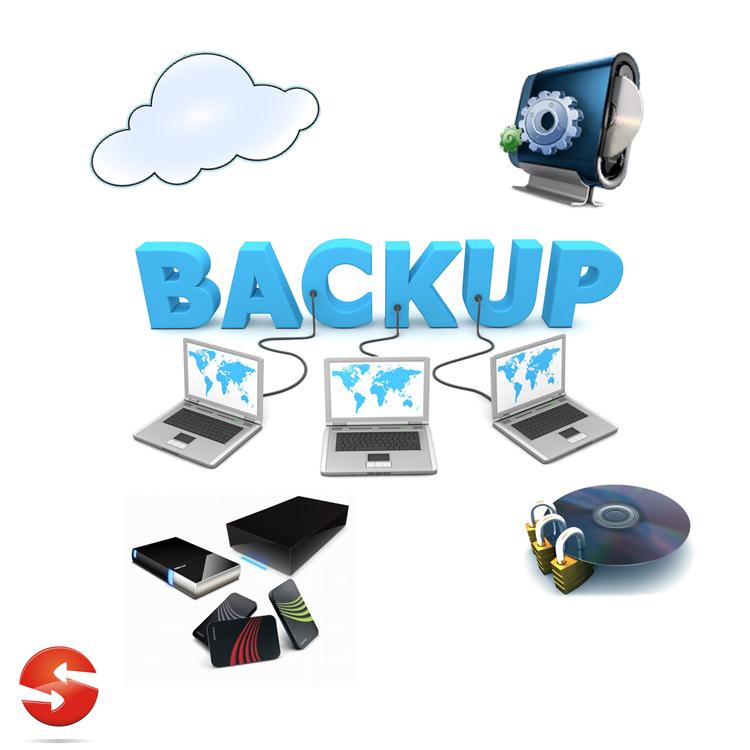
If your important files exist in only one location, they are vulnerable to more than a broken computer. A failed SSD, stolen laptop, accidental deletion, malware infection, damaged external drive, or synchronization mistake can make important documents, photos, projects, and other personal files difficult or impossible to recover. The good news is that a reliable … Read more

You Received a Login Alert You Don’t Recognize: How to Check Whether Your Account Was Accessed

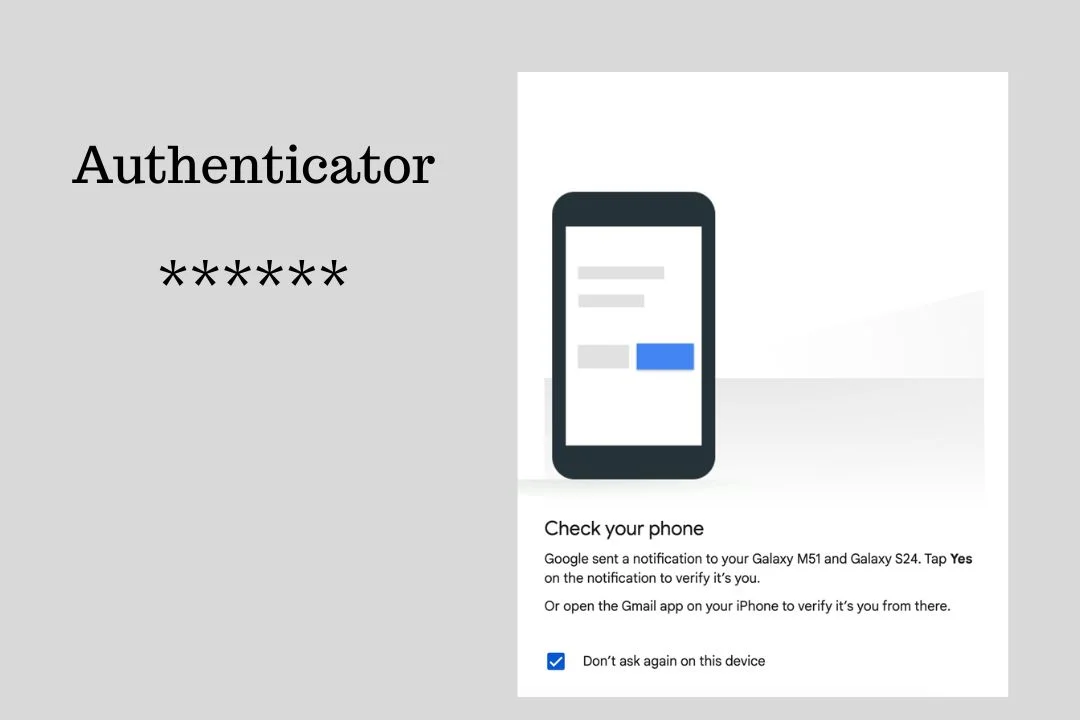
A login alert you do not recognize deserves attention, but the alert alone does not prove that someone successfully accessed your account. A notification may be triggered by a new device, a different browser, travel, a mobile network that reports an unexpected location, or an application signing in on your behalf. At the same time, … Read more

Wi-Fi Connected but No Internet: What to Check Before Resetting Your Router

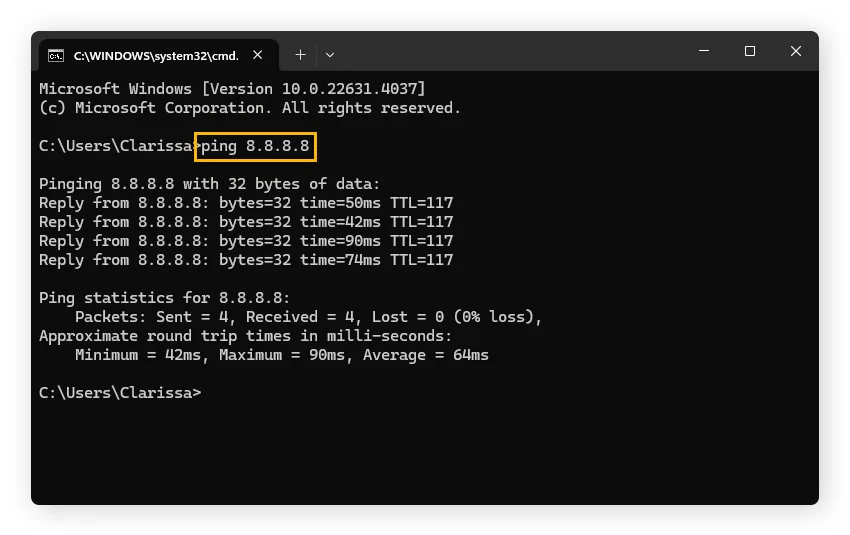
Seeing “Connected” next to your Wi-Fi network does not necessarily mean your device can reach the internet. Your computer or phone may have a working wireless connection to the router while the router itself has lost its connection to your internet provider. That distinction is important. If only one device has no internet, the problem … Read more

Why Windows Apps Keep Crashing and What to Check Before Reinstalling Them?

An app that opens and then suddenly closes can make reinstalling it seem like the obvious solution. Often, however, the installation itself is not the real problem. A Windows app can crash because of an outdated app, a Windows compatibility problem, damaged app data, a driver issue, interference from another program, corrupted Windows system files, … Read more

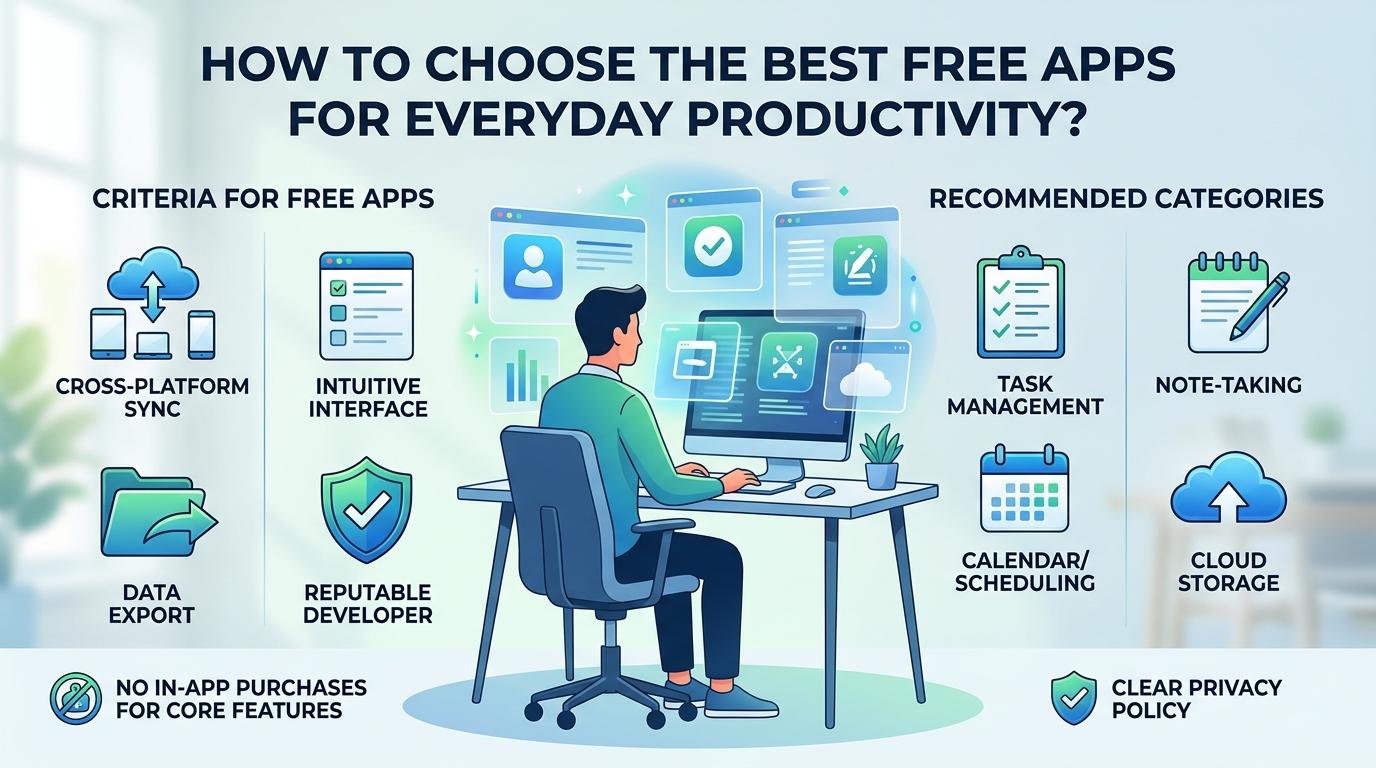
How to Choose the Best Free Apps for Everyday Productivity?

Finding the right software to manage your daily tasks, notes, and schedules does not require paying expensive monthly subscriptions. Dozens of high-quality, free productivity applications offer feature-rich tools for personal organization, work, and study. However, with so many options available, choosing apps that genuinely improve your workflow—rather than adding unnecessary complexity—can be a challenge. To … Read more

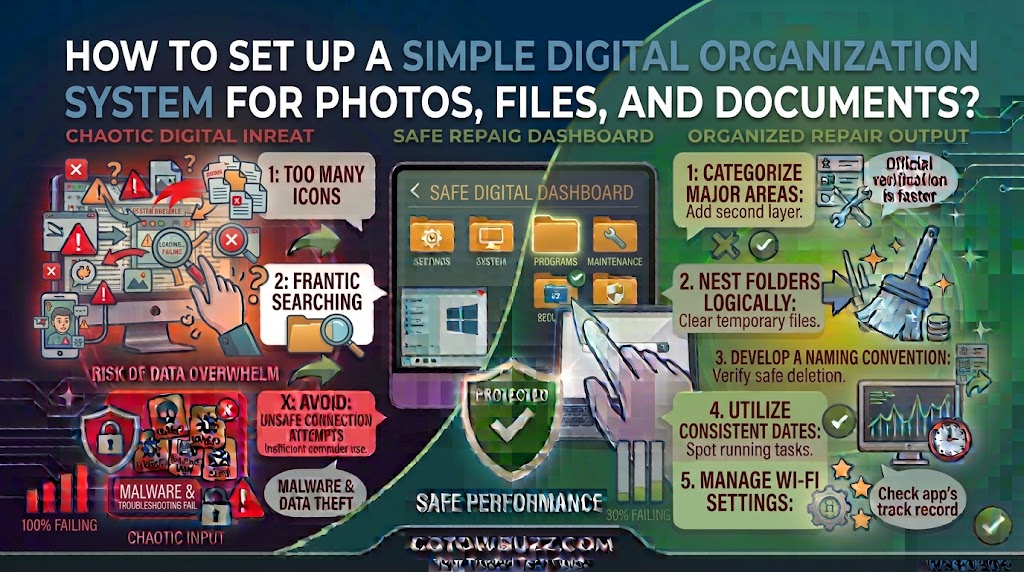
How to Set Up a Simple Digital Organization System for Photos, Files, and Documents?

Introduction If your computer has files scattered across Downloads, Desktop, Documents, and random folders, finding one important file can become surprisingly frustrating. The same thing happens with phone photos. A camera roll containing thousands of pictures may technically store everything, but that doesn’t mean you can quickly find what you need. You don’t need a … Read more

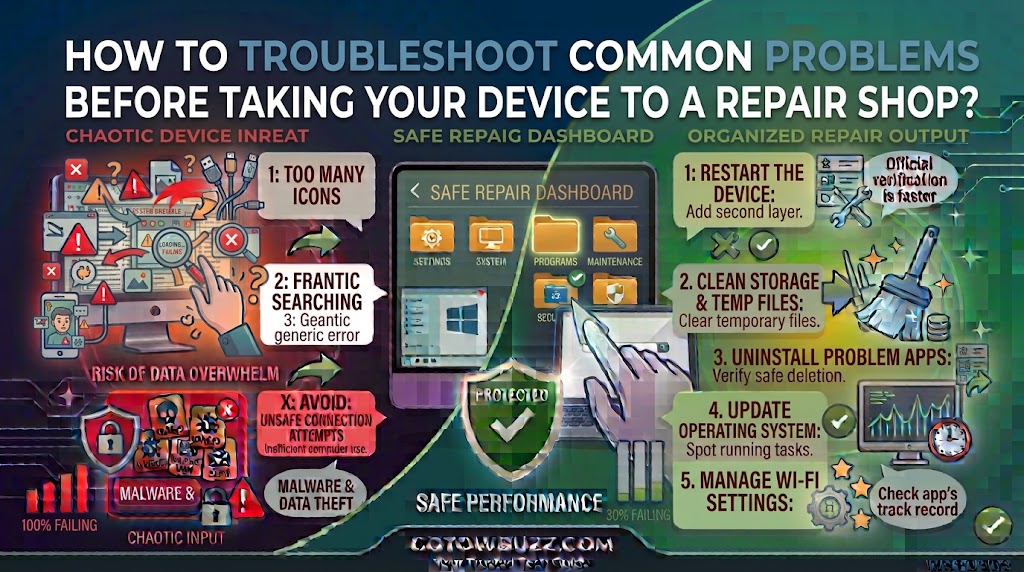
How to Troubleshoot Common Problems Before Taking Your Device to a Repair Shop?

  Introduction When a phone, tablet, or computer suddenly stops working properly, the first thought is often, “I need to take it to a repair shop.” Sometimes that’s exactly the right decision. But not every problem requires a repair. A device that won’t connect to Wi-Fi might only need a network restart. An app that … Read more

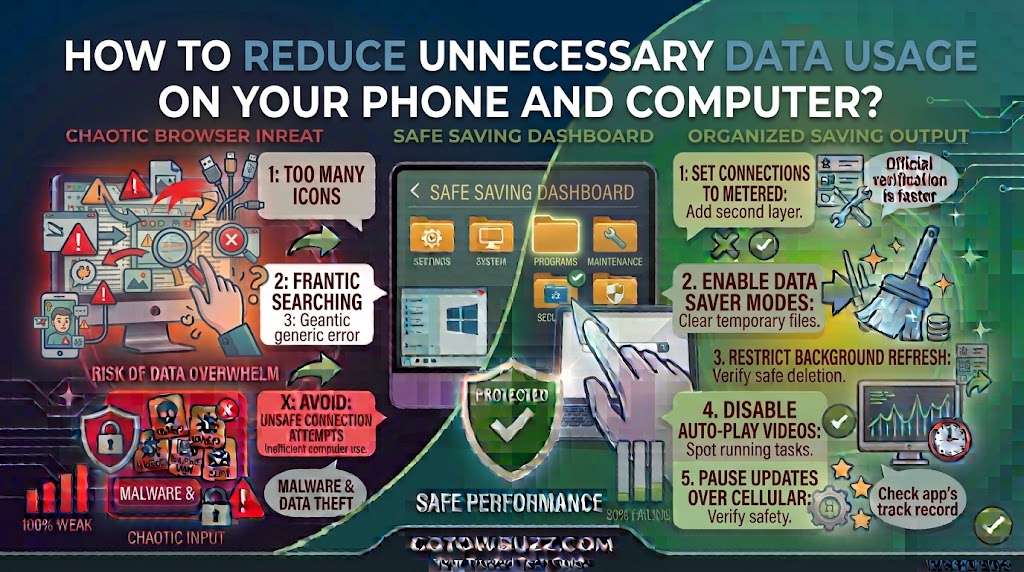
How to Reduce Unnecessary Data Usage on Your Phone and Computer?

  Introduction If your mobile data disappears faster than expected, the problem may not be one huge download. Small background activities can add up. Apps can refresh content, cloud services can synchronize files, videos can automatically play at high quality, and a computer connected through a phone hotspot can download updates or other large files … Read more